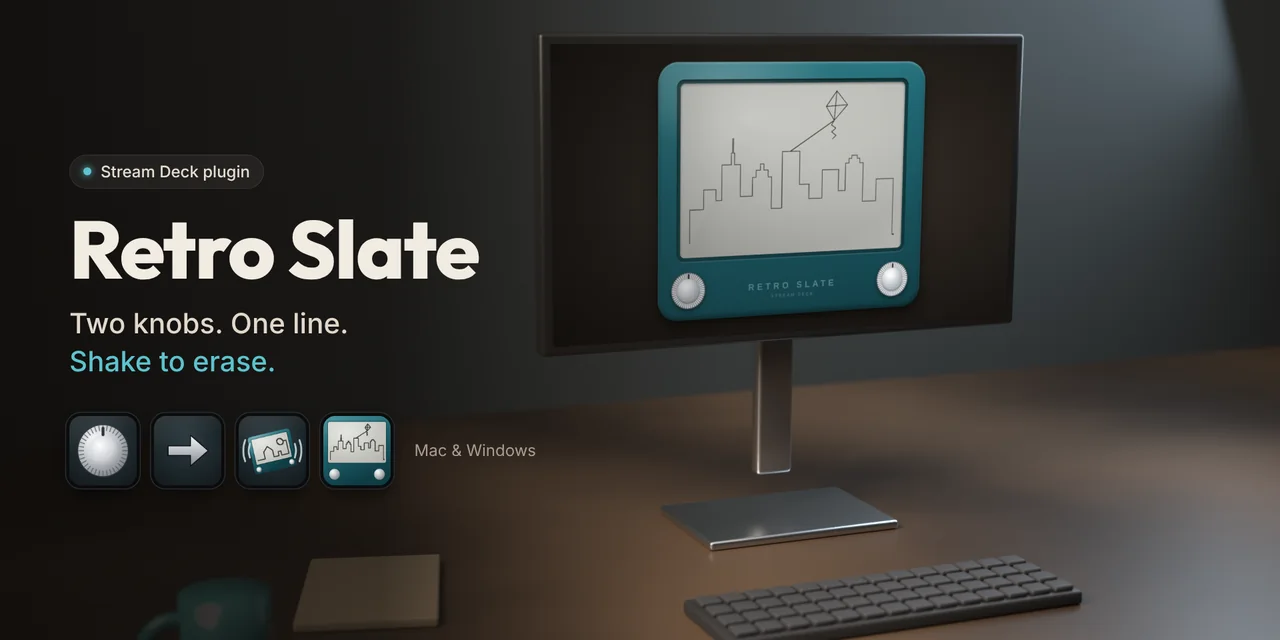
Five actions
Retro Slate is made for the Stream Deck + dials, but every Stream Deck can draw with the arrows.
Knob
On the Stream Deck +, the left dial draws horizontally, the right dial vertically. Press to change speed, touch the screen to shake, long touch to erase all.
Arrow
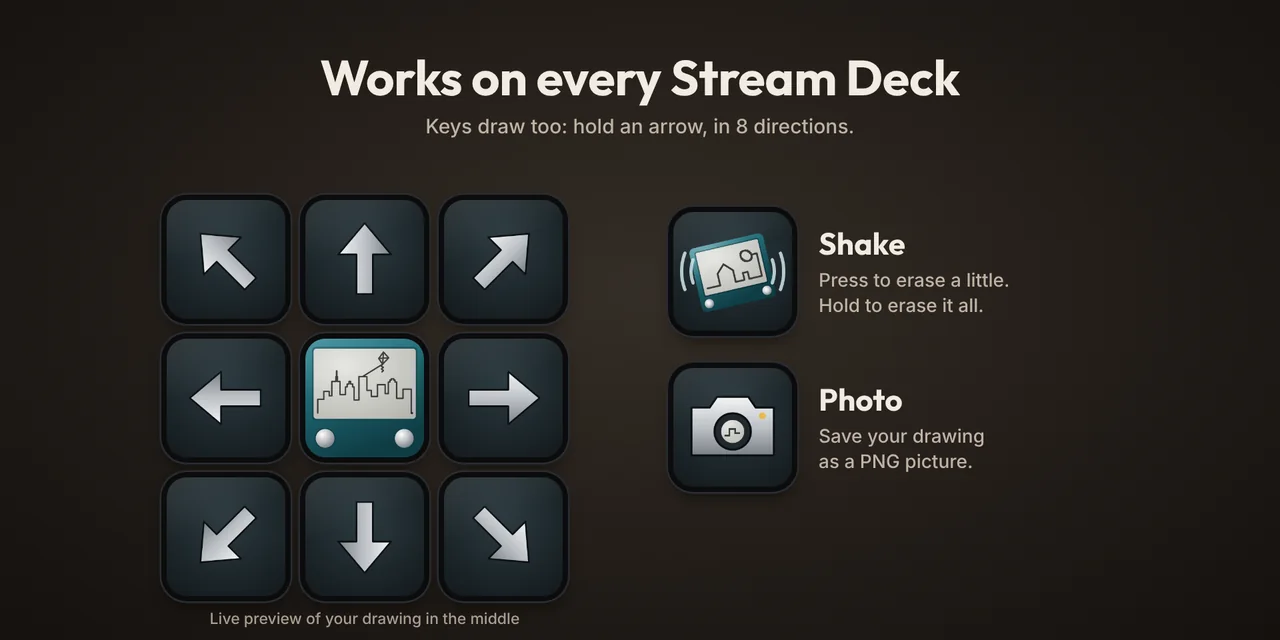
On every Stream Deck: hold the key to draw in eight directions, with acceleration.
Shake
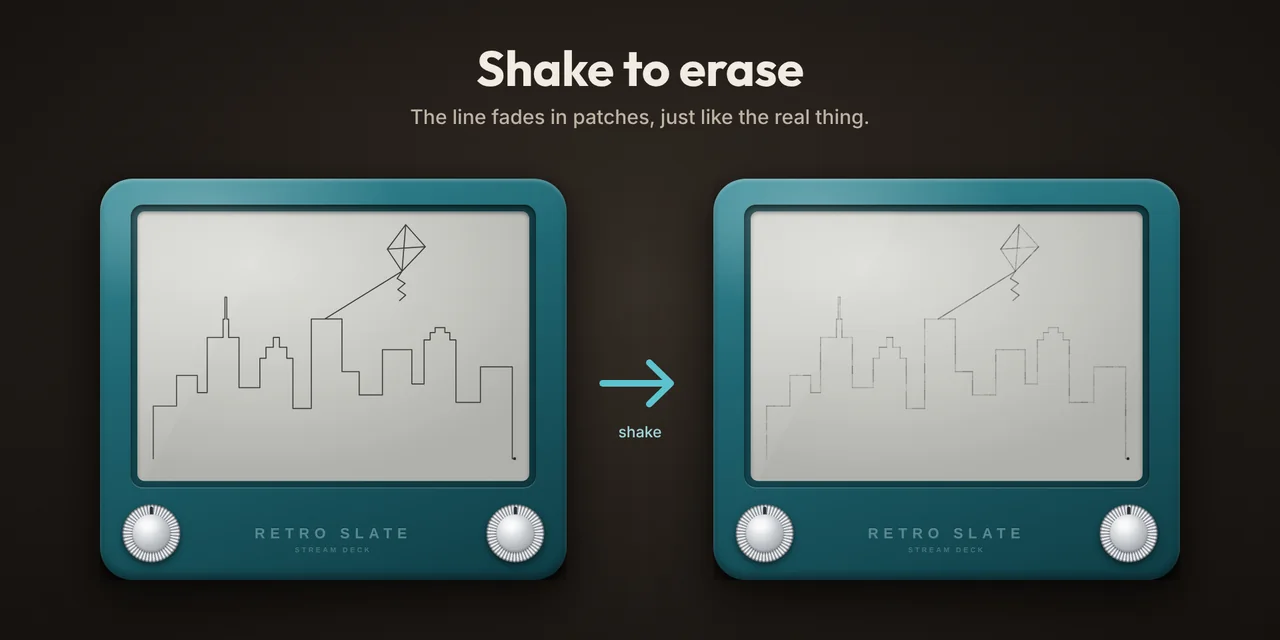
Press to erase a little, in patches; hold for one second to erase everything.
Slate
A live preview of your drawing on the key. Press to open the slate window.
Photo
Saves your drawing as a PNG picture, in Pictures › Retro Slate.
In pictures

The slate window
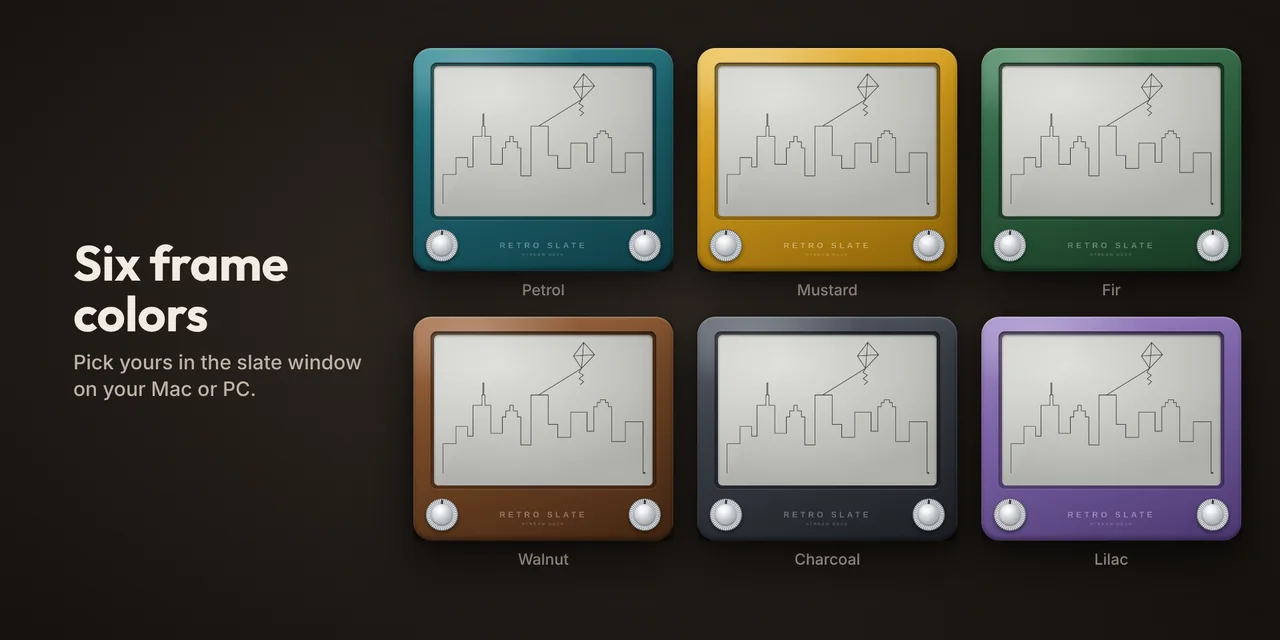
- Six frame colors
- Full screen
- Keyboard and mouse controls
- Your drawing is kept when you turn things off
Tip: drag the Knob action onto two dials. In Auto mode, the leftmost one draws horizontally and the other vertically.
Requirements: Stream Deck app 7.1 or later, macOS 12 or Windows 10 and later.
Nothing leaves your computer
The slate opens in your web browser and runs entirely on your computer: no account, no internet connection, no data collected.