How it works
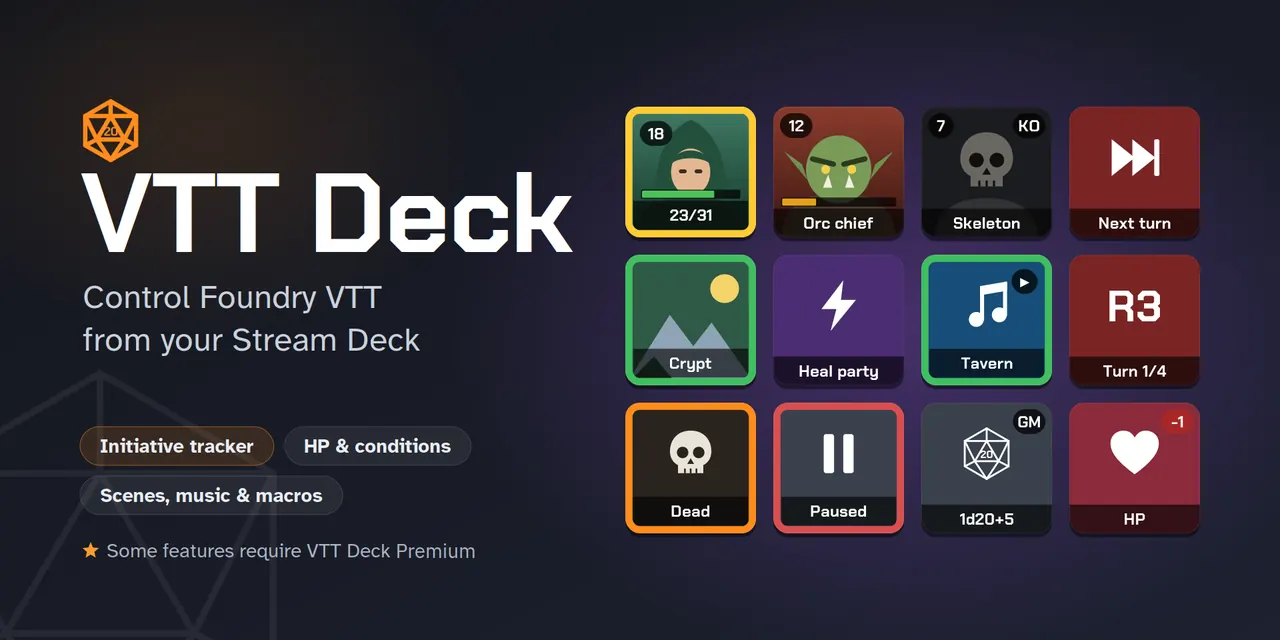
VTT Deck has two parts: a Stream Deck plugin, installed on the computer the Stream Deck is plugged into, and a Foundry module. The browser or Foundry app showing your game draws the keys and runs the presses.
Nothing is sent over the internet: by default the plugin only accepts connections from the same computer.
Free or Premium
The free version is enough to run a game. VTT Deck Premium adds the keys for game masters who run everything from the Stream Deck.
| Feature | VTT Deck | VTT Deck Premium |
|---|---|---|
| Macros, scenes, music and sounds | Everything | — |
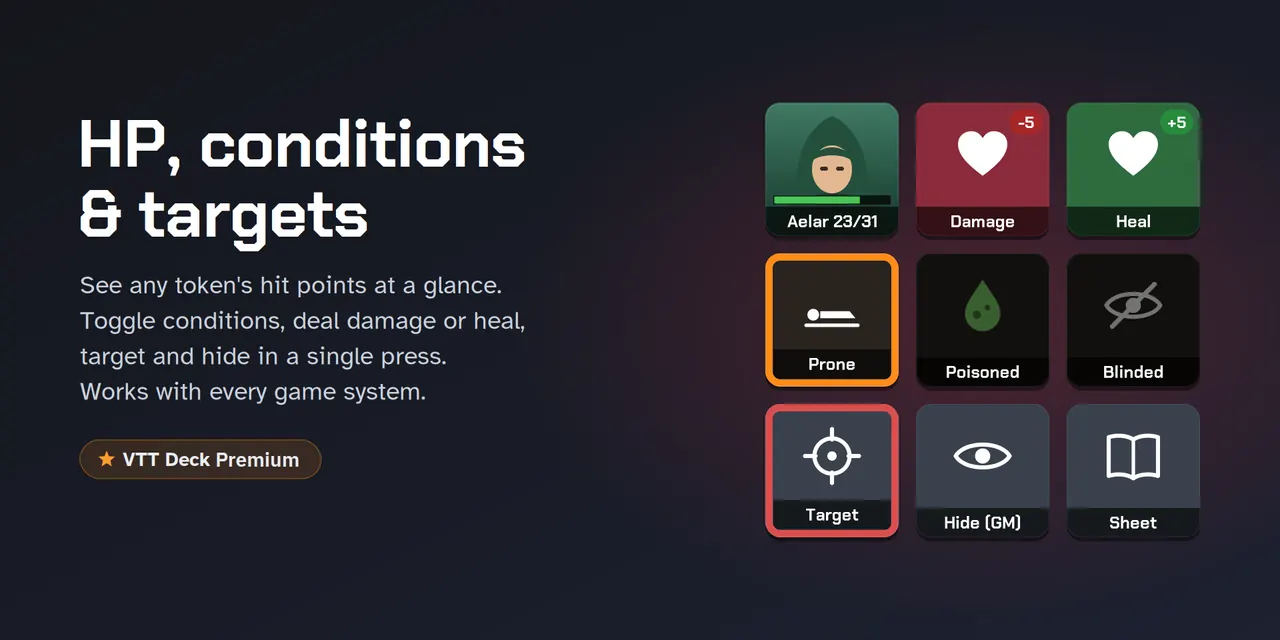
| Selected token | Image, name, centre, open sheet | HP and gauges, conditions, targeting, movement |
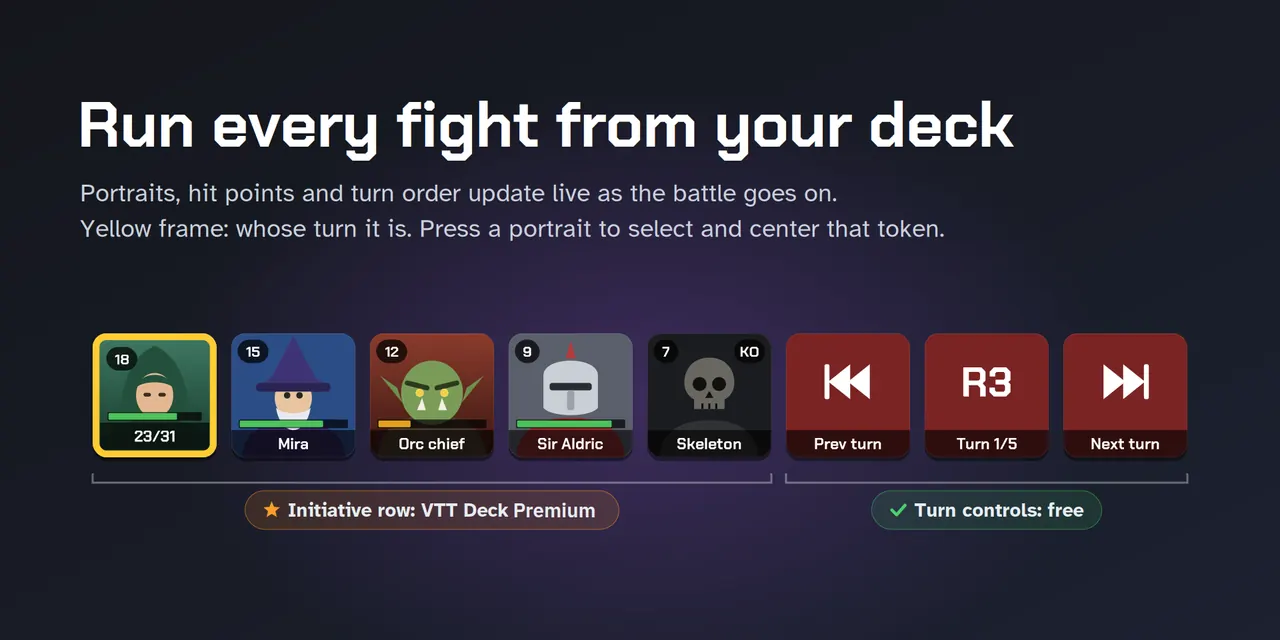
| Combat | Turn and round, start and end, initiative | Automatic initiative row |
| Damage and healing pad | — | One amount applied to all selected tokens |
| Ambience | — | Scene, music, darkness and weather in one press |
| Dynamic pages and sequences | — | Keys filled from a folder, several actions on one key |
| Dials (Stream Deck +) | — | Volumes, lighting, combat turns, HP, zoom |
Install in three steps
The Stream Deck plugin
Install VTT Deck from the Elgato Marketplace, or download com.vttdeck.foundry.streamDeckPlugin from the GitHub releases page and double-click it.
The Foundry module
In Foundry: Add-on Modules, Install Module, then paste this manifest URL and click Install. Foundry will offer updates afterwards.
https://github.com/zedoc84/vtt-deck/releases/latest/download/module.jsonThe keys
Enable VTT Deck in your world, drag VTT Deck actions onto your Stream Deck, or open one of the ready-made profiles from the inspector.
Requirements: Stream Deck app 6.9 or later, macOS 12 or Windows 10 and later, Foundry VTT v13 or v14.
VTT Deck Premium
Available on the official Foundry store for $14.99. It adds to the free VTT Deck module and plugin, version 1.5.1 or later.
- The initiative row that fills itself, active combatant first
- The party at a glance: one key per character, with HP and conditions
- The damage and healing pad, one-press ambience, weather and game time
- Stream Deck + dials for volumes, lighting and HP